
Three reasons your LinkedIn is empty. Nadya fixes all three.
From idea to published LinkedIn post.
50+ AI newsletters become your daily supply of things worth saying. Nadya writes the post in your voice, schedules it and handles the replies — and soon, gets your whole company posting instead of just you.
Coming soon — Studio Plus: get your whole company posting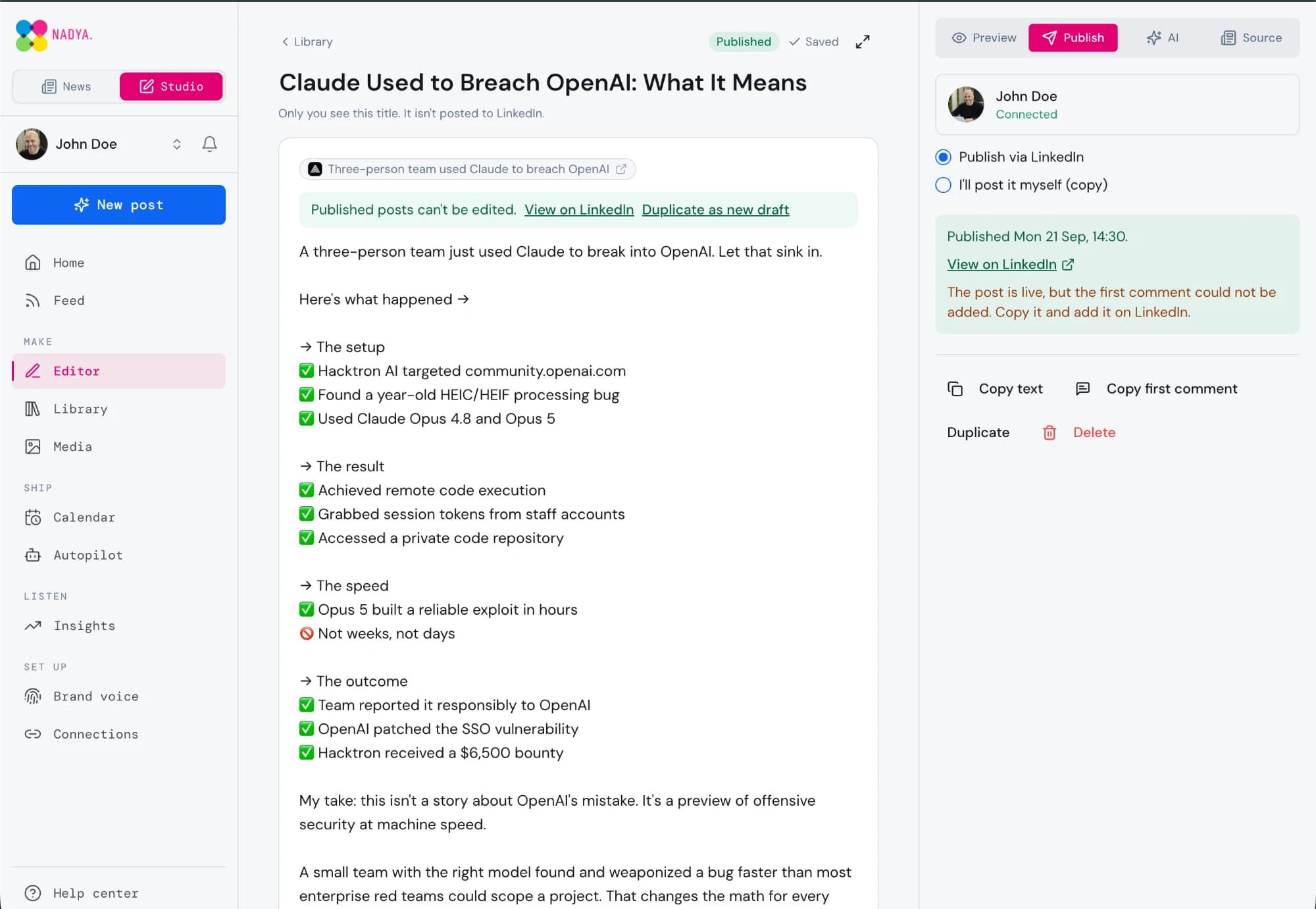
Three problems. One answer.
Every empty LinkedIn profile we've looked at is stuck on one of these three. Nadya is built to clear all of them, in order.
You don't know what to post about
50+ AI newsletters, read and sorted for you every morning. You open a feed of things you already have an opinion about, not an empty box with a blinking cursor.
See howWriting and scheduling it eats your week
Turn any article, link or one-line idea into a finished post in your voice, with an image, a publish time and the replies handled. Or let rules do it on a schedule while you approve.
See howNobody else at the company posts
A company page is easy to scroll past; twelve employees are harder to miss. Studio Plus gives everyone a seat, a shared pool of AI credits and a leaderboard that makes posting something people actually keep doing.
See how
You're not out of ideas. You're out of input.
Nadya reads 50+ AI and tech newsletters every day and turns them into a feed you can actually post from — sliced by topic, by source, and tuned to the corner of AI you work in.
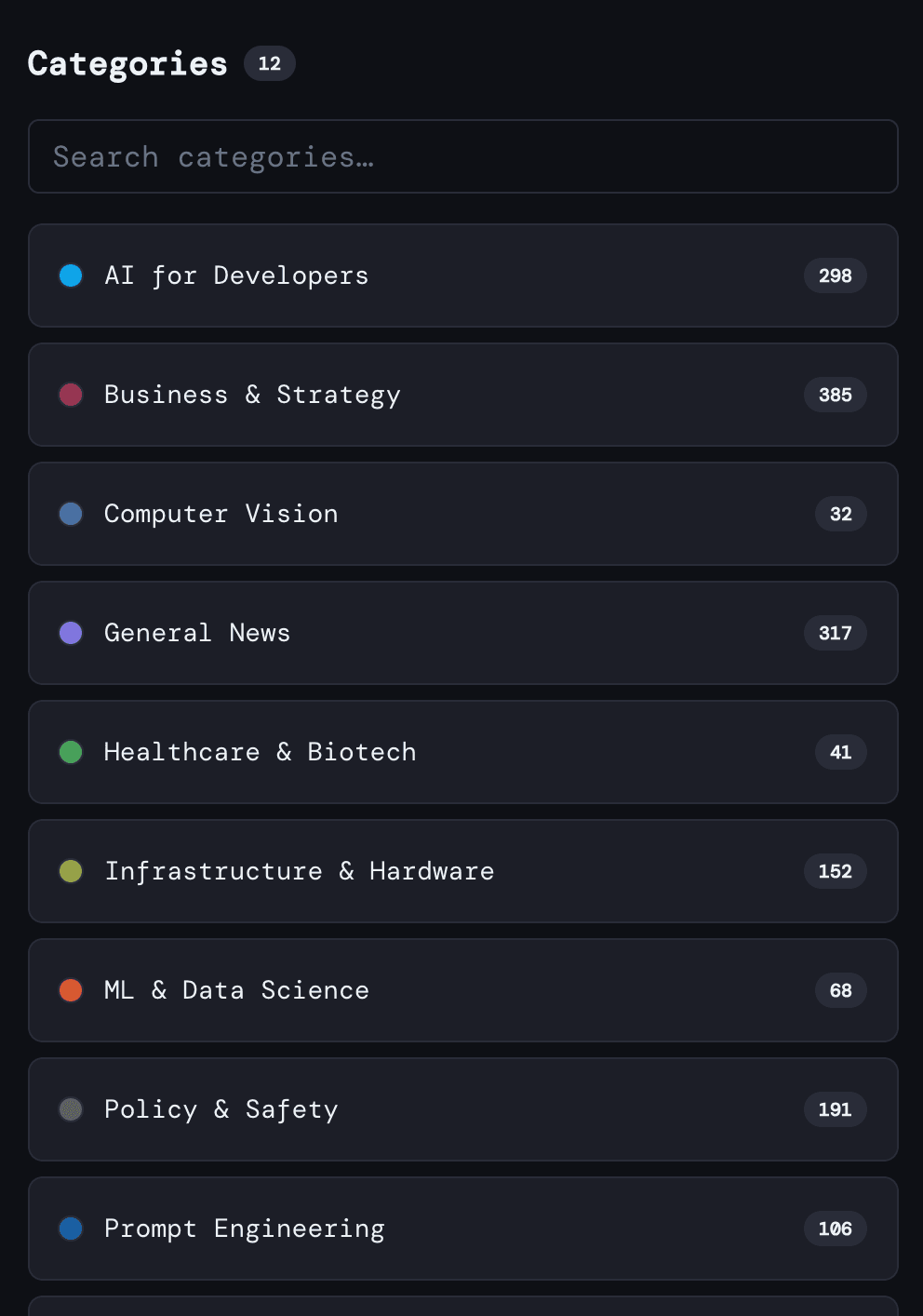
Pick the corner of AI you post about
Tools, research, funding, policy, product launches. Your feed becomes a shortlist of subjects you can say something real about today, instead of everything that happened everywhere.
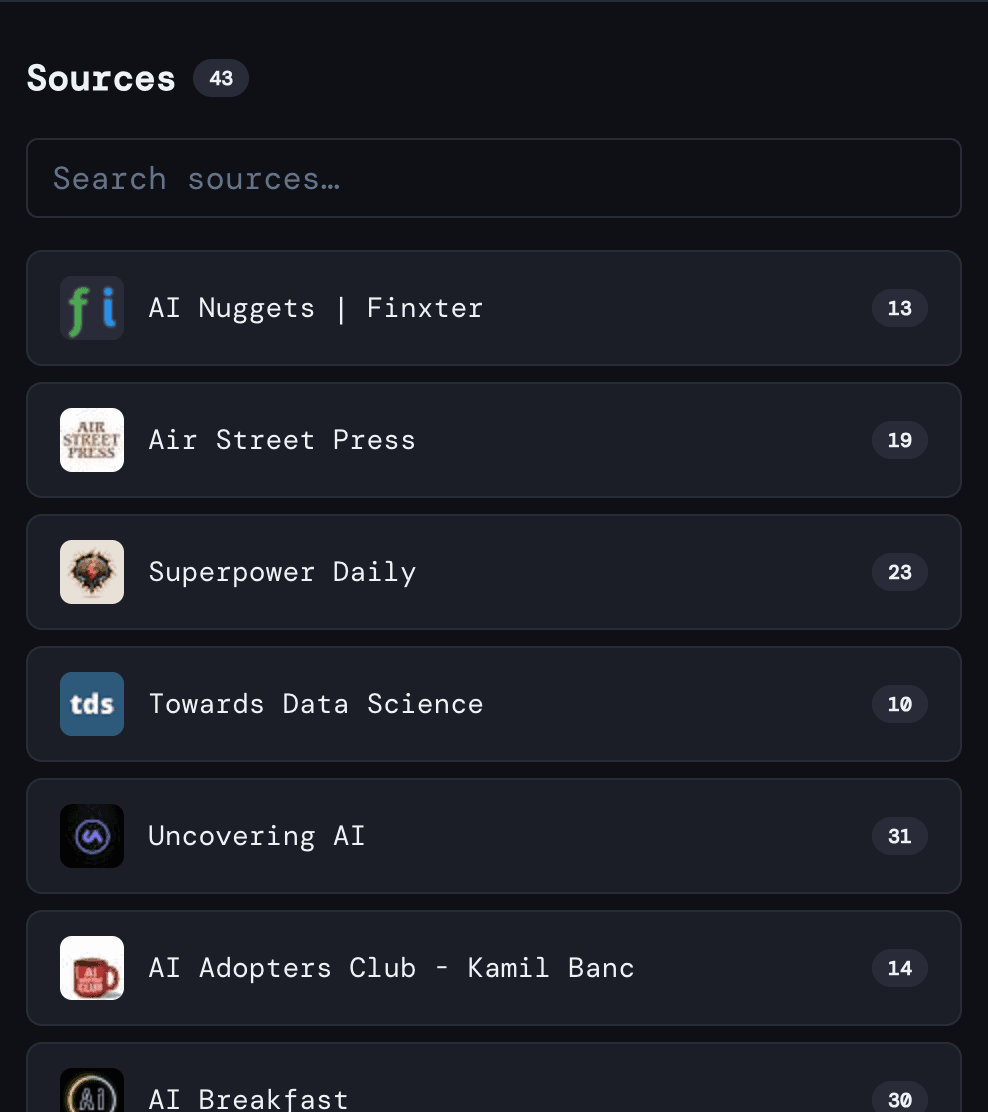
Follow the people worth quoting
Jump straight into a newsletter you trust, skim the latest issue, and pull out the one paragraph your audience hasn't already seen five times this week.
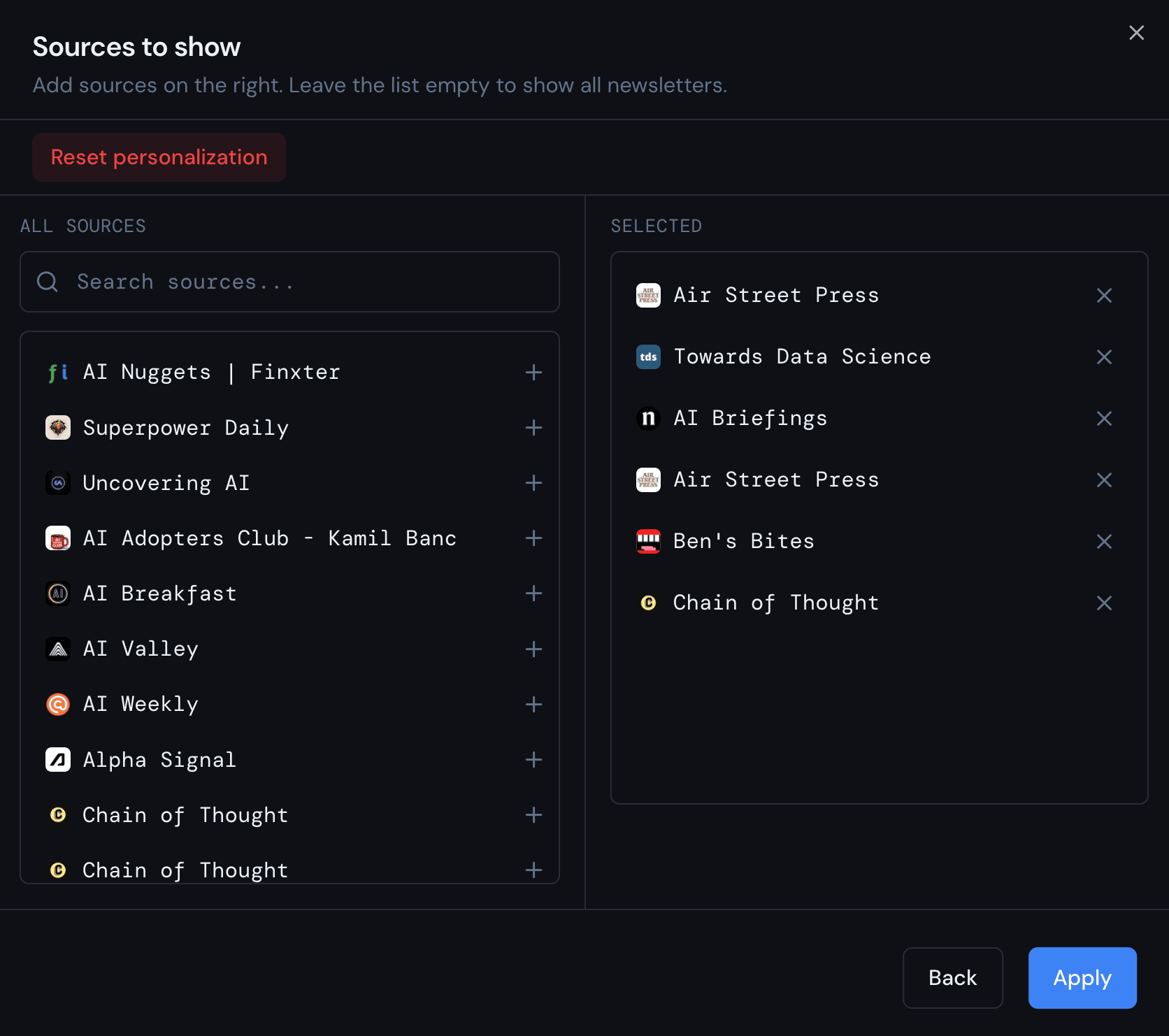
Tune it until every item is postable
Follow the publishers that match how you work and drop the rest. Less scrolling for something to say, more material you'd genuinely put your name to.
And the details that keep you coming back
Save it for later
Heart anything worth a post and find it again in seconds.
Desktop and phone
The same feed, same place you left it, on any screen.
Read it your way
Typography, density and layout tuned to your eyes.
Dark or light
Comfortable at midnight and in direct sunlight.
You know what to say. Now say it without losing an evening.
Nadya Studio is the creator side of the app. Take an article you just read — or a blank page — and come out with a LinkedIn post that sounds like you, with an image, a publish time and the replies handled.
A post from anything
Start from an article in your feed, any link, a one-line idea, or a blank page. Studio never forces you through the news to write something.
Quick draft or deep research
Quick mode writes in seconds. Deep research reads across the web first, so the post carries facts and context instead of platitudes.
Your voice, not the robot's
A brand brief plus a writing style you pick or write yourself. AI can fill the brief in for you from your LinkedIn profile and website.
A composer that gets out of the way
Block editor with a live LinkedIn preview, AI actions on any selection, character count, templates and a first comment.
Images in your style
Generate an image for the post in a style you set once, or attach your own. Everything lands in a media library you can reuse.
Schedule and publish
Connect LinkedIn once and publish now or at a chosen time, in your timezone. No connection? Copy the text and mark it as posted.
Autopilot with a seatbelt
Rules pick topics and sources on a schedule. Choose full auto or approval first, with guardrails on how often it can post as you.
Replies handled
Comments on your posts come back into Studio with suggested replies in your voice, so a good thread doesn't die overnight.
Credits, no surprise bills
Every plan includes a monthly AI credit allowance and shows what an action costs before you run it. Top up whenever you need more.
Posts by people beat posts by logos.
Your company page is easy to scroll past. The same message from twelve employees is harder to miss. Most companies never get there, for two reasons: writing is hard, and when you finally post, nobody at work notices. Studio Plus fixes both.
A seat for everyone
One company account, invited by email. Each person keeps their own LinkedIn connection, voice and drafts.
One shared pool of credits
A single subscription funds everyone, with a monthly cap per person so no one drains it. Admins can raise a cap in a click.
A leaderboard that gets noticed
Who posted, how often, and how those posts performed. Points reward showing up regularly, not one lucky viral post.
Your company in every draft
Describe the company once. AI drafts mention it naturally, and posts that do earn bonus points.
Private by design
The company sees published posts and their numbers. Never drafts, never the schedule, never anyone's brand profile.
Tell us how many people would post and we'll set your company up the week it ships.
How it works
Four steps from an empty profile to a posting habit.
Start your trial
01
Pick the topics you post about
02
Generate, edit and schedule
03
Bring your team along
04
What people posting with Nadya say
From founders and operators who show up on LinkedIn without it turning into a second job.
Quotes from people using Nadya, shared with their permission.
“I used to stare at an empty box. Now I start from something I read this morning.”
Ajla, AI specialist “Three posts a week, and it no longer eats my mornings.”
Marc, CEO “Scheduling is the part that made the habit stick.”
Milorad, AI Automation expert “My comment sections finally have people in them.”
Michal, Complex sales expert “The drafts sound like me, not like a press release.”
Stefan, Operational director “Worth it for never running out of things to say.”
Haris, Founder
Solve one problem, two, or all three.
No credit card required to get started. Cancel anytime.